Boot menu key and BIOS key for Dell laptop and desktop
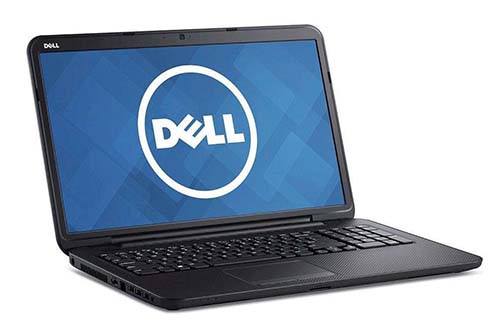 When there is something wrong with the computer, we may need to enter the BIOS or boot menu firstly. Therefore, the keys to enter the BIOS and boot menu play important roles in the process. With the difference of computers brands, the keys will also not the same, including Dell. The information below is about keys to access BIOS and boot menu of Dell laptops and desktops, which may help you in some way when you are in need.
Most of BIOS of Dell laptops and desktops can be entered by pressing “F2”, while the boot menu can be accessed by key “F12”. However, the boot menu key as well as BIOS key for some older Dell computers may be “Ctrl+Alt+Enter”, “Del”, “Fn+Esc”, “Fn+F1”.
| Dell Series | Boot Menu Key | BIOS Setup Key |
| Inspiron | F12 | F2 |
| XPS | F12 | F2 |
| G Series | F12 | F2 |
| Alienware | F12 | F2 |
| Latitude | F12 | F2 |
| Vostro | F12 | F2 |
| Precision Workstations | F12 | F2 |
| OptiPlex | F12 | F2 |
Tips: The keys to access the boot menu and BIOS are “Ctrl+Alt+F8” in the models of Dell computers as follows: Dim4300, Dim8100, Dim8200, GX50, GX240, GX150.
At last, if the purpose to access the boot menu is to boot your computer and you are confused about it, you may find the suitable solution from How to set your computer to boot from usb drive.
Related Articles:
- How to remove bios or power on password for thinkpad
- How to set your computer (laptop) boot from cd/usb drive quickly
- Boot menu key and bios key for hp laptop and desktop