Ophcrack doesn’t work for Windows 10 what to do?
If you use Op-hcrack to recover forgotten password for Windows 10, and you find Op-hcrack cannot work right with Windows 10,You can try the following ways to fix the issues.
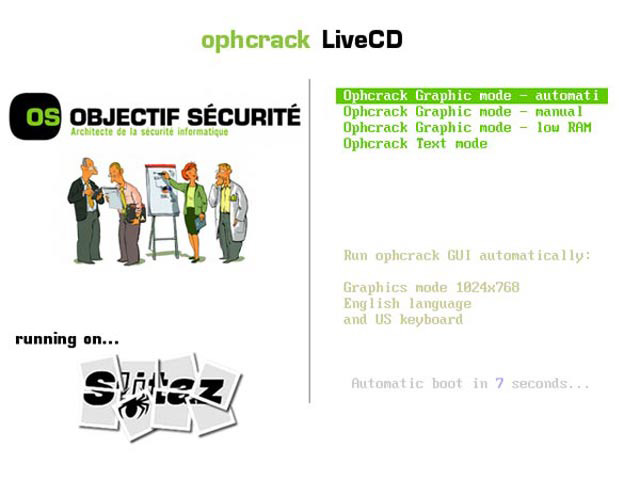
1. Op-hcrack cannot detect the windows 10 on your computer
Because the Op-hcrack live cd doest have the SATA Controller driver for your computer, it cannot detect the hard drive or SSD on your computer. You can try the following ways to solve the problem.
Option 1: If you run Op-hcrack on your computer, and it cannot detect the windows 10 system, you can set the SATA Controller mode from AHCI to IDE, and try Op-hcrack again. See how to set SATA Controller mode from AHCI to IDE.
Option 2: If you computer is a desktop computer, you can take off the hard drive and connect it to another computer who Op-hcrack work right with, and then run Op-hcrack on that computer.
2. Op-hcrack cannot find the forgotten password for Windows 10 user account
If the password is strong, and Op-hcrack doesn’t have the rainbow tables for the password, it fail to find the password for user account. So, what you just need to do is to get the rainbow tables and try again.
Forgot Windows 10 password on my laptop unlock with premium software.
Related Articles:
- Ophcrack no partition containing hashes found what to do?
- Chntpw doesn’t work on windows 2008
- How to make a Ophcrack USB bootable disk
- Ophcrack doesn’t work on windows 7 and win 8, how do i do?